
Download Urban Lightscape – Photo Editing, Lighting Adjustment, Brightness, Contrast, Photo Enhancement
Overview
Urban Lightscape is a mobile application crafted to address the persistent challenge of suboptimal lighting in digital photography. Designed for users seeking to elevate their images with minimal effort, the app specializes in real-time adjustments to brightness, contrast, and artificial lighting. It serves as a practical solution for both casual photographers and those with more advanced editing needs. By streamlining the enhancement process, Urban Lightscape enables users to achieve professional-grade results in seconds, without requiring in-depth knowledge of photo editing software. The app is particularly useful in scenarios where lighting conditions during capture were less than ideal—such as indoor shots, low-light environments, or poorly lit outdoor scenes. Its integration capabilities extend its utility beyond standalone use, allowing it to function as a complementary tool for other editing platforms. This dual functionality makes it a flexible addition to various creative workflows. UrbanSoft Inc., the developer, appears to focus on delivering targeted, efficient tools for visual content creators. Although the developer did not provide additional technical details, the app’s purpose is clearly defined: to empower users with immediate control over lighting parameters. In the broader app ecosystem, Urban Lightscape fills a niche for quick, reliable photo enhancement tools, offering a bridge between amateur experimentation and professional refinement.Key Features & Functionality
Urban Lightscape offers a focused set of features centered on lighting optimization, making it a specialized tool within the photography category. The core functionality revolves around quick lighting adjustments, allowing users to modify brightness and contrast with precision. This feature is especially valuable when dealing with underexposed or washed-out images, enabling users to restore detail and depth in shadows and highlights. The app supports artificial lighting enhancements, which can simulate or correct lighting effects in post-processing—ideal for portraits or product photography. A notable capability is its ability to function both as a standalone application and as an extension for other editing software such as Photoshop and Paint Shop Pro. This integration flexibility allows users to maintain their preferred workflow while accessing Urban Lightscape’s lighting tools. The undo feature is another key advantage, allowing users to revert changes safely and experiment with different settings without risk of permanent alterations. This promotes creative exploration while preserving original image integrity. Additionally, the app’s user-friendly interface ensures that even those new to photo editing can navigate its tools with ease. The intuitive layout minimizes learning curves, making the editing process accessible and enjoyable. These features collectively enhance productivity and image quality, particularly for users who prioritize speed and reliability in their photo enhancement tasks.Real-World Use Cases
- Enhancing indoor portraits taken in dim lighting with automatic brightness and contrast correction.
- Restoring detail in outdoor photos taken during sunset or early morning hours with natural lighting fluctuations.
- Integrating with desktop editing software to apply lighting adjustments before final export.
- Quickly refining social media images for better visual impact without leaving the mobile device.
- Editing product photos for e-commerce with consistent lighting and professional polish.
Interface, UX & Performance
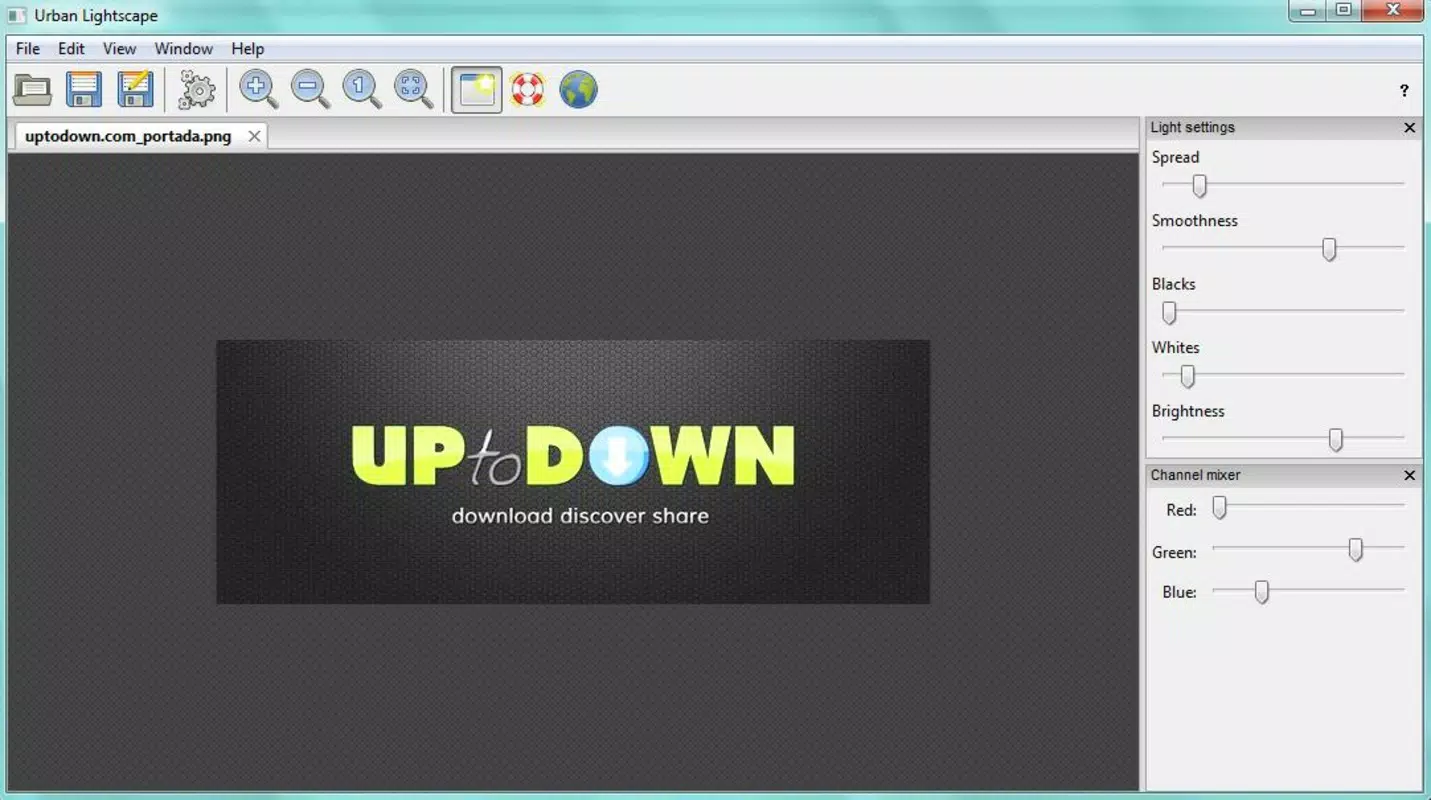
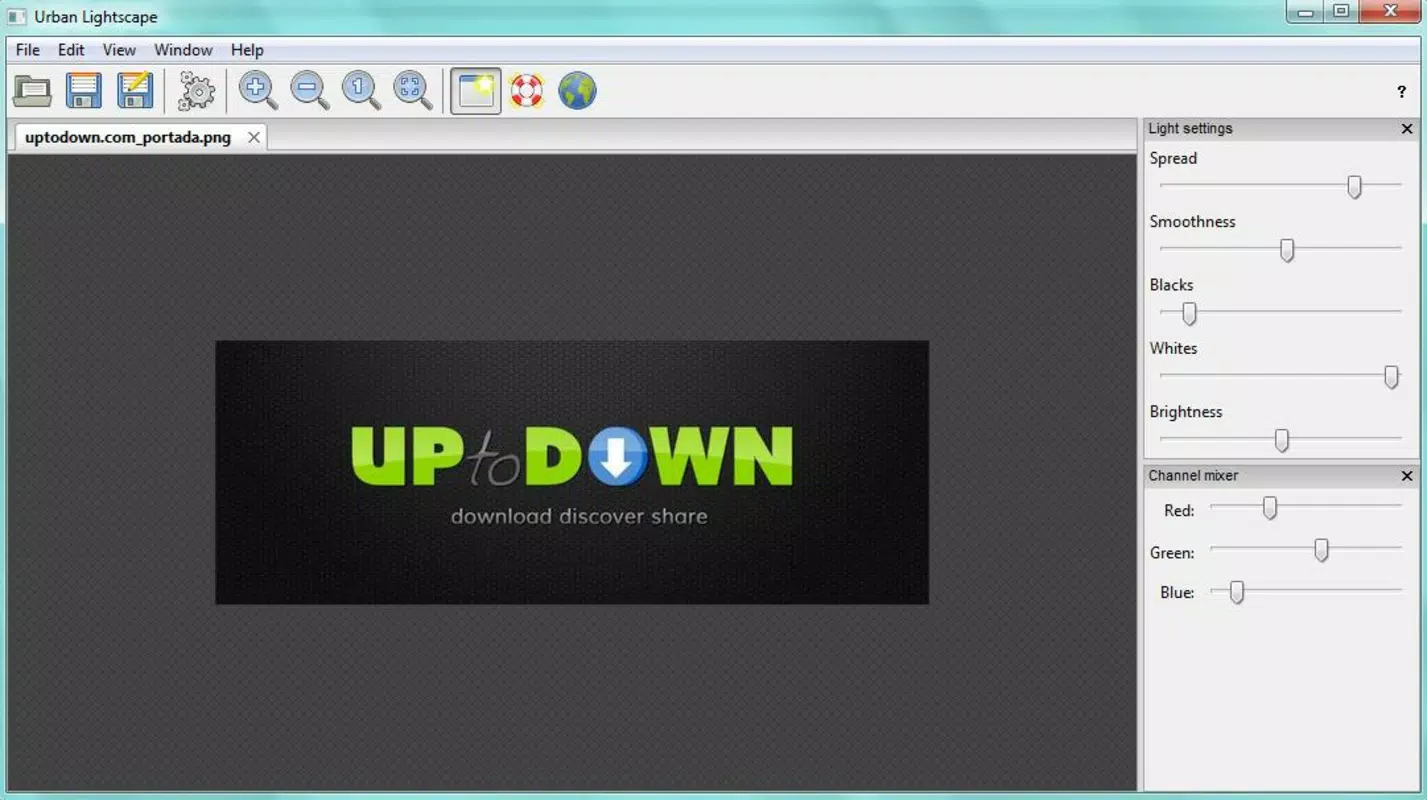
Urban Lightscape presents a clean, minimalist interface designed with usability at its core. The layout prioritizes accessibility, placing essential controls—such as brightness, contrast, and artificial lighting sliders—within immediate reach. Navigation is straightforward, with a logical flow from image import to adjustment and export. The visual style is uncluttered, minimizing distractions and focusing attention on the editing canvas. Users can expect a responsive experience across various device categories, although the developer did not list formal performance metrics. The app appears to maintain stability during typical editing sessions, with no reported issues related to crashes or freezes. Responsiveness is consistent, allowing smooth transitions between adjustment settings. The undo function operates reliably, ensuring users can backtrack through changes without delay. Although the developer did not specify minimum OS requirements or compatibility details, the app is designed for seamless interaction on modern Android devices. The 45.6 MB file size suggests a lightweight footprint, which contributes to efficient loading and operation. Overall, the user experience reflects a thoughtful balance between functionality and simplicity, making it suitable for both beginners and intermediate users. The app’s performance is consistent with expectations for a specialized photo enhancement tool.Platform Compatibility & Technical Requirements
Urban Lightscape is available exclusively on the Android platform. The current version is 2.1.4, with a file size of 45.6 MB. The app is priced at $4.99, indicating a premium positioning within the photography category. While the developer did not specify minimum OS requirements or device compatibility details, the app is designed to operate on standard Android devices. The file size suggests it is optimized for efficient storage use, making it accessible even on devices with limited space. No additional permissions or hardware dependencies were listed. Users should ensure their device meets general Android compatibility standards for app installation. The release date of October 21, 2015, indicates that the app has been in the market for over eight years, reflecting a level of stability and user retention. Despite its age, the app continues to serve a specific niche, suggesting ongoing relevance. The developer did not provide information about future updates or support timelines.Pros and Cons
- Specialized focus on lighting adjustments for improved photo quality.
- Quick and intuitive editing process with minimal learning curve.
- Supports integration with popular desktop editing software.
- Safe editing environment with reliable undo functionality.
- Compact file size for efficient device storage.
- Price point may be considered high for a single-purpose tool.
- No information on minimum OS requirements or device compatibility.
- Exclusive Android availability limits cross-platform access.
- No details on update frequency or long-term support.
- Limited to lighting features; lacks broader photo editing tools.
FAQ
Is Urban Lightscape available for iOS devices?
The app is currently available only on the Android platform. No iOS version has been announced.
Can I use Urban Lightscape without an internet connection?
Yes, the app functions offline. All editing features are processed locally on the device.
Does Urban Lightscape support batch editing?
The developer did not specify whether batch processing is supported.
How often are updates released for Urban Lightscape?
Specific update frequency was not disclosed by the developer.
Is my data secure when using Urban Lightscape?
As the app operates locally and does not require data transmission, user photos remain private on the device.


